



Webhooks are automated messages sent from apps when certain events happen. Think of webhooks as notifications or triggers—like a doorbell ringing when someone arrives at your door. Instead of constantly checking for new data, webhooks proactively inform you when something important occurs.
Understanding Webhooks Simply
Imagine ordering food from a restaurant. You don’t continuously call to check if your order is ready. Instead, the restaurant notifies you when it’s done. Similarly, a webhook sends information automatically when specific events happen.
For example, when a customer buys a product from your online store, a webhook could instantly send details of the purchase to your accounting system.
Webhooks are widely used in various applications, including payment processing, social media, and content management systems. For example, when a customer purchases an e-commerce site, a webhook can send the transaction details to a CRM system for further processing. Utilizing webhooks can enhance automation and improve the integration between different systems.
How Do Webhooks Work?
Webhooks work through two main components:
- Trigger: An event that initiates the webhook (e.g., a new order, completed payment, or account registration).
- Action: Sending an HTTP request containing event data to a specified URL.
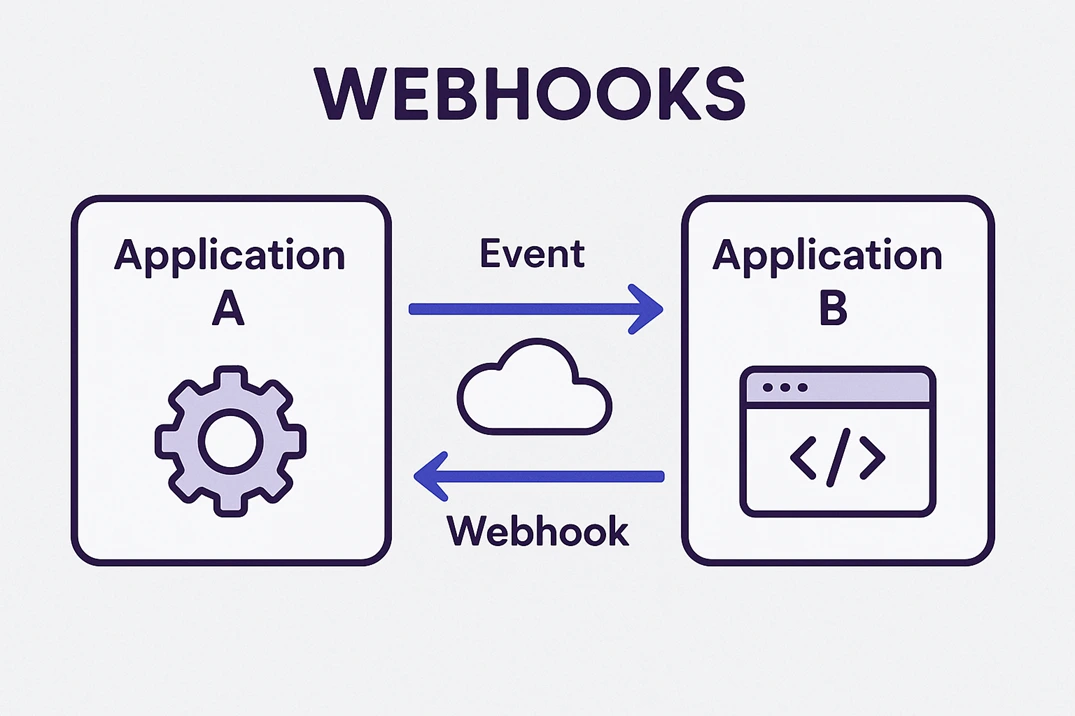
When the trigger event occurs, the source application sends a message (typically JSON or XML) to a URL you provide. The receiving application then processes this information.
Common Use Cases for Webhooks
- E-commerce: Update inventory levels or CRM systems automatically after purchases.
- Social Media: Receive instant notifications when someone comments or likes a post.
- Payment Platforms: Confirm payments and update customer statuses immediately.
- Project Management: Create tasks automatically based on received events or messages.
Setting Up a Webhook
Here’s a simple way to set up a webhook:
- Identify the event you want notifications for (e.g., new user signup).
- Generate or set up an endpoint URL in your application (the URL that receives data).
- Provide the endpoint URL to the application sending webhook requests.
- Process the webhook data within your receiving application to perform your desired action.
Example: Using Webhooks with a Simple App
Let’s consider a scenario using a simple webhook:
- Step 1: A user subscribes to your newsletter.
- Step 2: The subscription triggers a webhook.
- Step 3: Your webhook sends data to your marketing automation tool.
- Step 4: The marketing tool instantly adds the user to your email list and sends a welcome email.
Advantages of Using Webhooks
- Real-Time Updates: Get information immediately without polling.
- Reduced Server Load: Less need for constant checks or updates.
- Automated Workflow: Seamlessly connect multiple applications and automate processes.
- Efficiency and Speed: Improve operational efficiency and response times.
Security Considerations
When setting up webhooks:
- Verify webhook signatures: Ensure data comes from a trusted source.
- Use HTTPS: Encrypt webhook data to maintain privacy and security.
- Implement Rate Limiting: Protect your application from excessive or malicious requests.
Conclusion
Webhooks are powerful tools that allow applications to communicate instantly and efficiently. By automating the flow of information, webhooks save time, reduce manual processes, and ensure critical data is always delivered promptly. Embracing webhooks can significantly enhance how your applications interact and streamline your digital workflow.